How Our Courses Work
Every track at Rob in Hood Digital runs on the same four-part rhythm: live online classes, self-paced training, hands-on labs, and project work. This page explains what each part is, how the weeks are laid out, and what you are expected to bring to class.
Each track page lists the modules, the lab topics, and the tools you install before week one. Read the track that matches your goal, then come back here for the week-by-week rhythm.
- Live online classes — scheduled sessions with a working instructor.
- Self-paced training — recorded lessons you work through on your own hours.
- Hands-on labs — exercises in a sandbox you can break and rebuild.
- Project work — one build you carry from brief to review.
What you set up before the first class
Create your learner account
You get access to the class calendar, the recorded lesson library, and the lab environment. Keep the email you registered with — that is where session links and lab invitations arrive.
Install the tools for your track
Cybersecurity, DevOps, and AI tracks each use a different toolset. Your track page lists the exact installs, and the first lab walks through getting them running on your machine.
Block your study hours
Most learners pair two live sessions a week with four to six hours of self-paced work. Write those hours into your calendar before the cohort starts — it is the single thing that separates people who finish from people who drift.
If a tool will not install or you are unsure which track fits, write to the contact page before your cohort starts. Fixing it in week one is easy; fixing it in week six costs you a lab.
Scheduled sessions, not a video feed
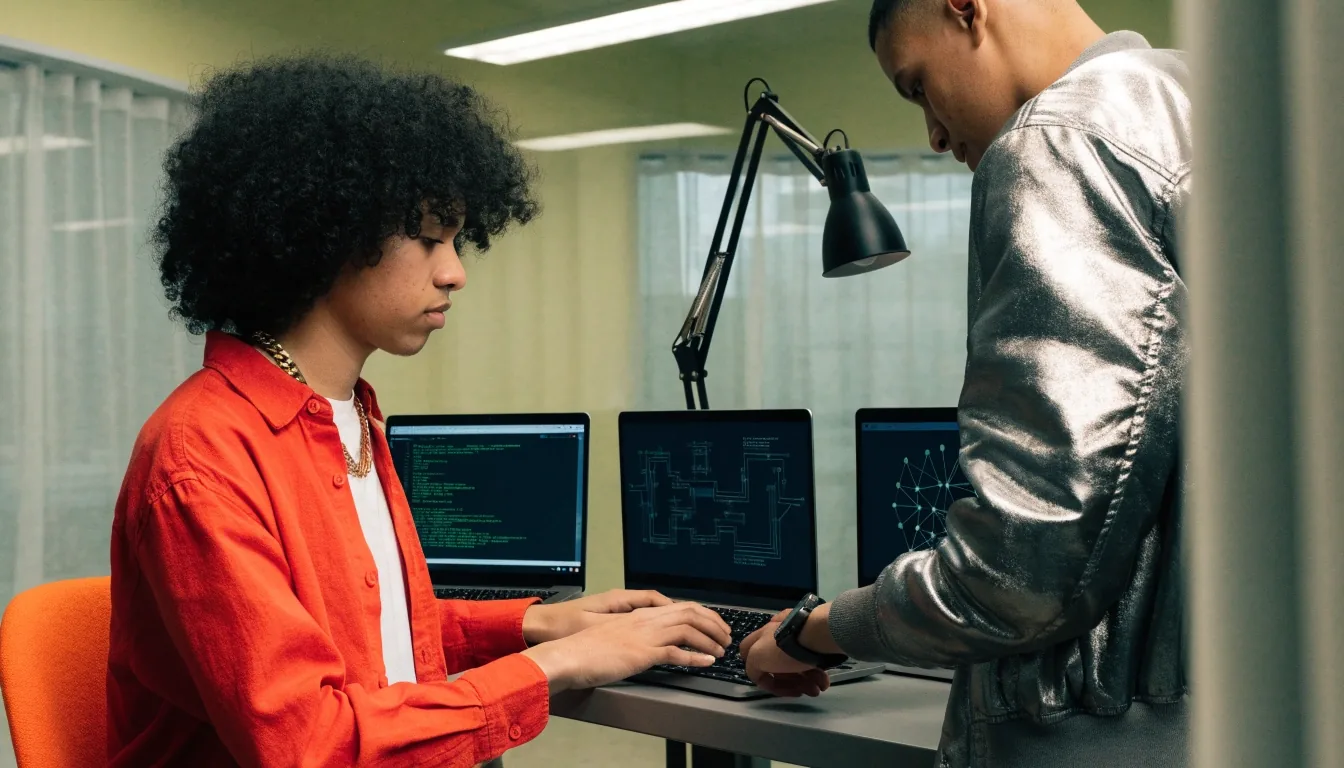
Live online classes run on a fixed weekly schedule. An instructor shares a screen, works through a topic, and stops for questions as they come. Sessions are recorded, so a missed class is not a lost week — but the questions you ask live are the part you cannot replay.
Sessions are kept small enough that the instructor can see your screen when you get stuck. Come with your laptop open and the lab from the previous week loaded. Most of the value in a live session comes from the moment something breaks and someone walks you through it.
Your laptop, your track's tools installed, and the previous lab finished or at least attempted. Unfinished labs are welcome — silent confusion is the only thing that wastes the hour.

Recorded lessons you work through on your own clock
The self-paced training side of every track is a library of recorded lessons, split into short segments rather than long lectures. Each segment ends with a task: configure this, read this output, change this setting. You move at your own speed between live sessions, and you can rewatch a segment as many times as you need without holding anyone else back.
Lessons are built in focused blocks so you can finish one on a lunch break and still remember where you left off.
Access to the recording library stays open through your track, so a topic you struggled with in week two is still there in week eight.
Watching is not the goal. Every segment hands you something to do in the lab before you move on.
Your instructor can see which segments you have completed, which is how they know what to cover in the next live session.
A sandbox you are supposed to break
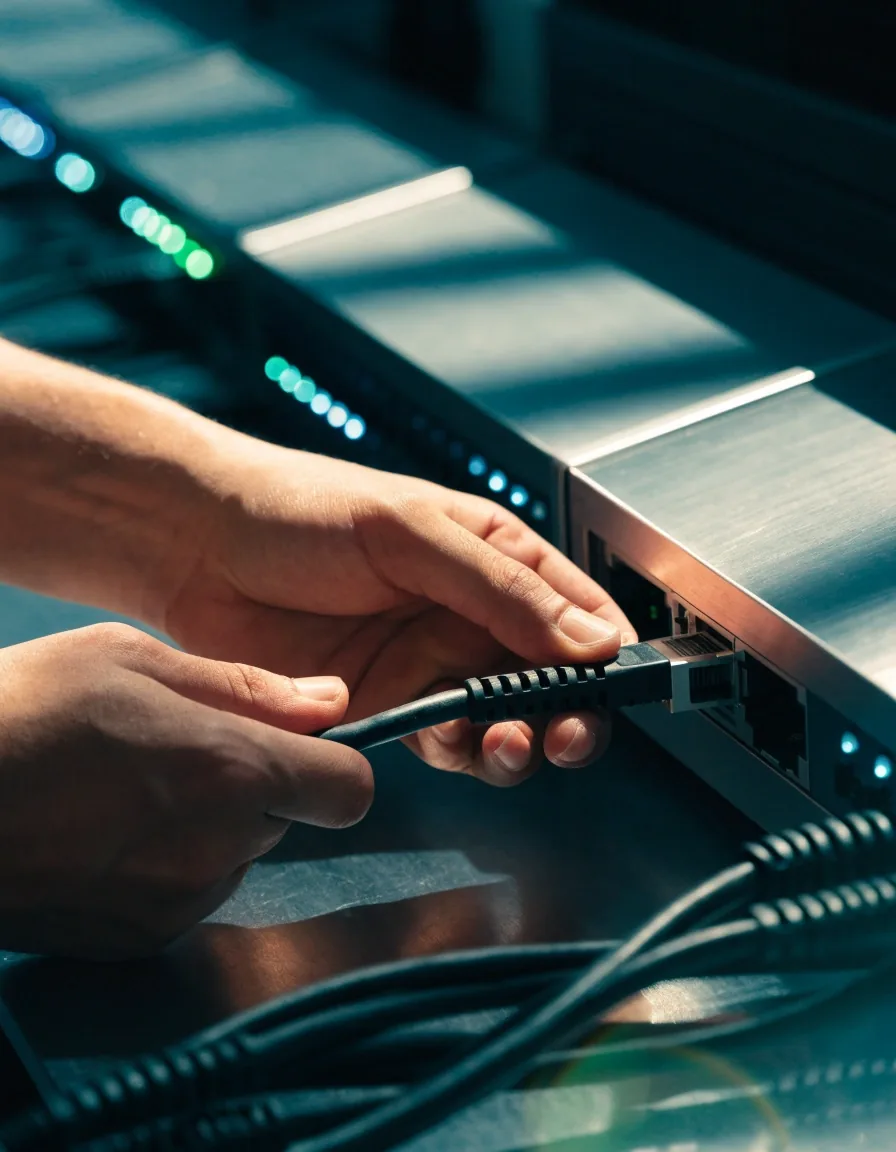
Hands-on labs are separate practice environments. You get a machine or a cluster to yourself, a written task, and a way to reset it when you make a mess. Nothing you do in a lab touches a production system or anyone else's work, which is exactly why the labs are the part where people learn fastest.
A typical lab gives you a scenario in plain language and a set of checks to confirm you got there. Cybersecurity labs might ask you to find and close a misconfiguration. DevOps labs ask you to get a service running and reachable. AI and governance labs ask you to trace where a model's data came from and document the risk. The instructor reviews your approach, not just your final state.
Every lab environment can be torn down and rebuilt, so a broken configuration is a lesson rather than a loss.
You get the scenario in words and decide the approach yourself, the same way the work arrives on a real team.
Submit the lab and your instructor walks through the choices you made, including the ones that worked by accident.
One build you carry from brief to review
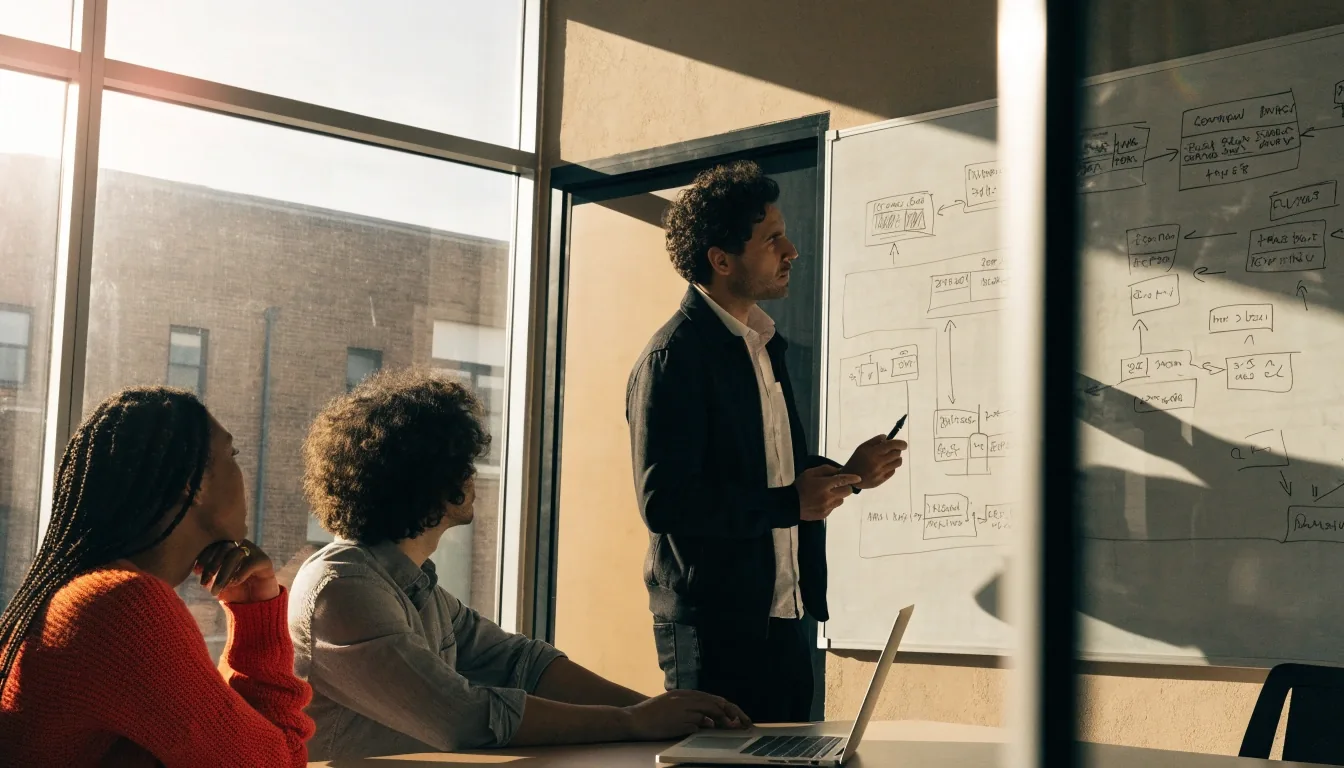
The last part of every track is a single project. You pick a scenario from a short list, scope it, build it over the final weeks, and present it to your instructor and the group. It is the closest thing in the program to the way work actually lands on your desk — a goal, some constraints, and nobody handing you the steps.
What a typical week looks like
A cohort week is built around two live sessions with self-paced work and a lab between them. Below is how the days usually land — exact timing shifts with your cohort's schedule, which you get before week one.
Live session opens the week
The instructor introduces the week's topic, demonstrates it once end to end, and sets the lab you will complete on your own. Ask the framing questions here — they are cheapest to answer before you start building.
Self-paced work and the lab
You work through the recorded segments for the week and finish the lab. This is where most of your hours go. If you get stuck for more than an hour, post the problem — the instructor would rather answer it on Wednesday than watch you lose the week.
Second live session and review
The group goes through what broke during the week. The instructor takes the common failures and works them out live, then previews the next topic so you can read ahead over the weekend if you want to.
Catch-up and project hours
Missed a segment or behind on the lab? This is the window. In the later weeks the same hours go to your project instead, and the lab schedule thins out to give you room.
No surprise grades at the end
Completed labs, the project you build and present, and whether you can explain your own decisions. There is no hidden exam at the end of a track. Assessment happens in the lab reviews, where your instructor sees how you approached the problem and where you went wrong.
Attendance figures and speed. Learners move through the material at different rates, and finishing the lab late still counts as finishing it. What matters at the end is that you can rebuild the work without the steps in front of you.
Questions people ask before they start
Do I need a background in IT before I start a track?
No prior job in IT is required for the entry points on each track, but you should be comfortable on a computer and willing to work in a terminal. If you have never used a command line, say so when you enrol — the instructor will point you at a short prep module before week one.
Can I take a track if I miss a live class?
Yes. Every live online class is recorded and posted to your library, usually the same day. The self-paced training and labs do not depend on being present at a specific hour. What you lose by missing a session is the live back-and-forth, so plan to attend the ones covering topics you find hardest.
What equipment do I actually need?
A laptop that can run a virtual machine or a browser-based lab environment, a stable internet connection for live sessions, and headphones if you share a room. The labs themselves run in the environment we provide, so a high-end machine is not a requirement.
How much time should I set aside each week?
Plan for the two live sessions plus four to six hours of self-paced training and lab work. Weeks with a heavier lab can take longer, and project weeks in the final stretch usually ask for a bit more. It is easier to protect a fixed block of hours than to find them later.
Are the tracks taught in English?
Yes, all live online classes, recorded lessons, and lab instructions are in English. Written lab tasks are in plain language rather than jargon wherever possible, and instructors are used to explaining a term twice when it has not landed the first time.
Still deciding which track fits your week?
Read the track pages for module lists and lab topics, or write to us with your goal and the hours you can protect each week. We will tell you which track lines up and which one would be a stretch right now. Office hours are Monday to Friday, 9:00 AM to 6:00 PM.
1200 Cyber Security Way, Reston, VA 20190, USA · +1-703-555-0826 · info@rob-in-hood.digital